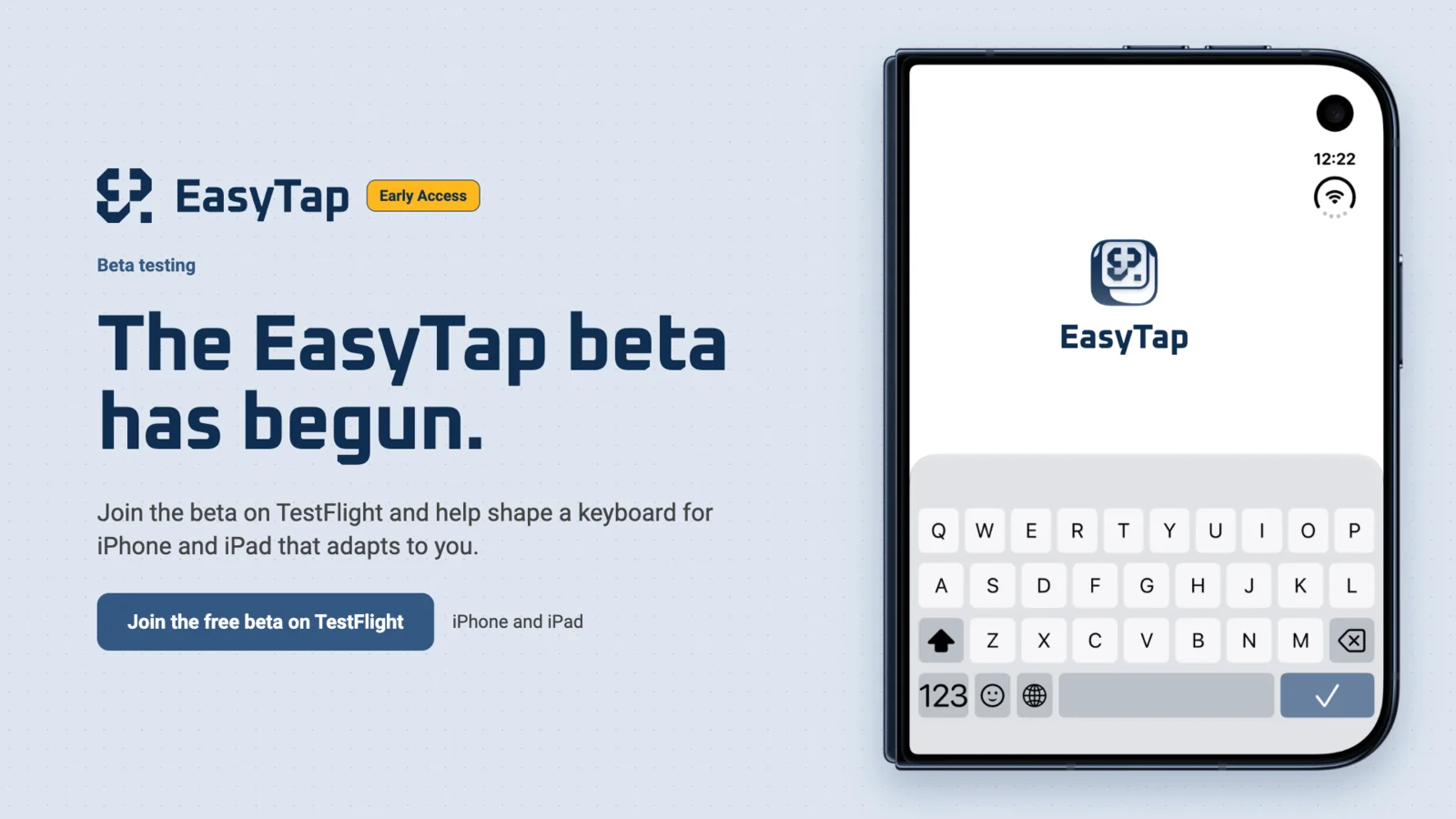
Starting today, anyone can try EasyTap. The first public beta is out! 🎉
EasyTap is a keyboard for iPhone and iPad that you adjust to yourself. I’m building it for people who find the standard keyboard a struggle, because small keys strain their eyes or are hard to hit. In the beta, you can:
- change the size of the keys,
- pick colors and contrast that suit your eyes,
- change the keyboard layout to match the way you type,
- add your favorite emoji so they’re always at hand,
- turn on a number row,
- create quick phrases: shortcuts for text you type often.
You don’t need to have trouble typing to use it. If you just want a more comfortable keyboard, or one that looks the way you like, you’re welcome too.
What happens to what you type
The keyboard never connects to the internet and never sends what you type anywhere. There are no ads, no analytics and no tracking. Basic typing works without Full Access. You only turn it on if you want haptics, dictation or the clipboard preview, because iOS requires it for those. Even then, the keyboard doesn’t connect to the internet. You’ll find the details in the privacy policy.
How to join the beta
The beta is free. You need an iPhone with iOS 26 or an iPad with iPadOS 26 (or later).
- Install the TestFlight app: TestFlight on the App Store.
- On the same device, open this link: Join the EasyTap beta.
The number of beta spots is limited. If you can’t join right away, please try again later.
Once you’ve joined, you can install EasyTap straight from TestFlight. It’s a test version, so you may run into bugs. That’s exactly why your feedback before the official release means so much to me.
How to report a bug or share an idea
In the TestFlight app, tap “Send Beta Feedback” and describe what isn’t working or what you’re missing. You can also email me at contact@stankiewiczm.eu. Every note helps me make EasyTap better.